DaVinci Resolve AI Tools: The Ultimate Guide to AI-Powered Video & Photo Editing
DaVinci Resolve AI tools are transforming the post-production landscape, offering editors and colorists unprecedented control and efficiency. Blackmagic Design continues to push the boundaries of what's possible with a powerful suite of AI-driven features integrated directly into DaVinci Resolve. From intelligent searching and advanced audio generation to revolutionary visual effects and full photo editing capabilities, these DaVinci Resolve AI tools are designed to streamline workflows and unleash creative potential. In this comprehensive guide, we'll explore every AI-powered feature that makes DaVinci Resolve the ultimate choice for modern content creators.
Search and Organization with AI IntelliSearch
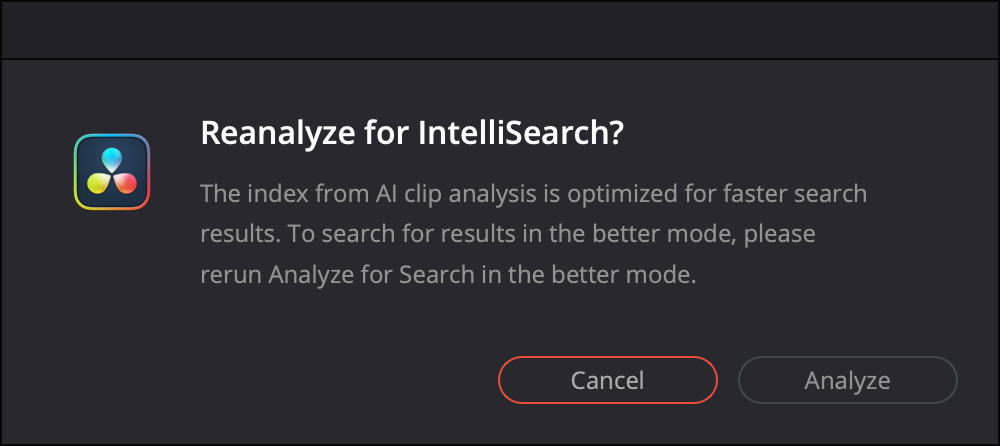
Gone are the days of manually scrubbing through hours of footage. With AI IntelliSearch, you can instantly search for people and content within your media. This powerful DaVinci Resolve AI tool analyzes your clips, allowing you to find specific objects, keywords in dialog, or even individual faces. The results appear as whole clips in the Media Pool, making clip organization and editing significantly faster and more efficient. This intelligent search capability is a game-changer for editors working with large volumes of footage.
Advanced AI Speech Generator
Creating high-quality voiceovers has never been easier. The Advanced AI Speech Generator allows you to generate speech from written text using either Blackmagic's built-in voice models or a sample of your own. The DaVinci AI Neural Engine is so sophisticated that it can create a unique voice from as little as a 10-second clip. As one of the most versatile DaVinci Resolve AI tools, it gives you total control to adjust speed, pitch, and even inflection to create multiple performances for voiceovers, narration, and more.
Adjust Focus with AI CineFocus
Perfect your shot's depth of field with the AI CineFocus tool. Simply click to define the focal point of a scene and adjust the aperture and focal range to change the depth of field. Advanced controls allow you to select the aperture shape and add optical effects like bokeh. For dynamic storytelling, you can even keyframe parameters to rack focus during a shot, adding a professional cinematic touch. This DaVinci Resolve AI tool puts lens control in your hands like never before.
Face and Character Manipulation Tools
AI Face Age Transformer
Maintaining continuity for flashbacks or flash-forward scenes is now simple. The AI Face Age Transformer lets you change an actor's age with ease. After analyzing a face, you can enter the subject's age and adjust the age offset slider to add or remove age-related features, such as wrinkles and facial fullness, creating a seamless transition through time. This is one of the most creative DaVinci Resolve AI tools for narrative storytelling.
AI Face Reshaper
For more nuanced facial adjustments, the AI Face Reshaper allows you to change the shape and position of facial features on a moving subject. The tool detects and tracks a face in a clip, giving you parameters to adjust the eyes, nose, mouth, eyebrows, and overall face shape. Manual controls are also available for fine-tuning the results to perfection, making it a precision DaVinci Resolve AI tool.
AI Blemish Removal
Achieve flawless skin with the AI Blemish Removal tool. Perfect for reducing the appearance of superficial skin imperfections such as acne, discoloration, spots, and pores, this tool retains the texture of the natural skin. You can use the strength slider to adjust the intensity of the effect, ensuring it perfectly suits the subject in the scene. This DaVinci Resolve AI tool is essential for beauty and portrait work.
Image Enhancement and Sharpening
Sync with AI Slate ID
Streamline your metadata entry with AI Slate ID. This DaVinci Resolve AI tool automatically detects slate clapperboard details, intelligently extracting metadata from the slate in the frame. Even in dark or out-of-focus clips, this tool saves hours of manual entry, ensuring your media is ready for editing faster than ever before.
Extreme Quality AI UltraSharpen
Sharpen your footage like never before with Extreme Quality AI UltraSharpen. This is DaVinci's most advanced sharpening tool to date, producing significantly clearer, high-quality moving images. It works exceptionally well with upscaled videos, making previously unusable footage sharp in higher resolutions. This DaVinci Resolve AI tool can also be used to improve or fix slight focus errors, salvaging otherwise problematic shots.

AI Motion Deblur
Remove common motion blur artifacts, such as streaks and softness, from video content with AI Motion Deblur. The tool analyzes the source media file and generates a new render with significantly reduced blurring for more dynamic images. This DaVinci Resolve AI tool is the perfect solution for creating more impactful slow motion and freeze frame effects.
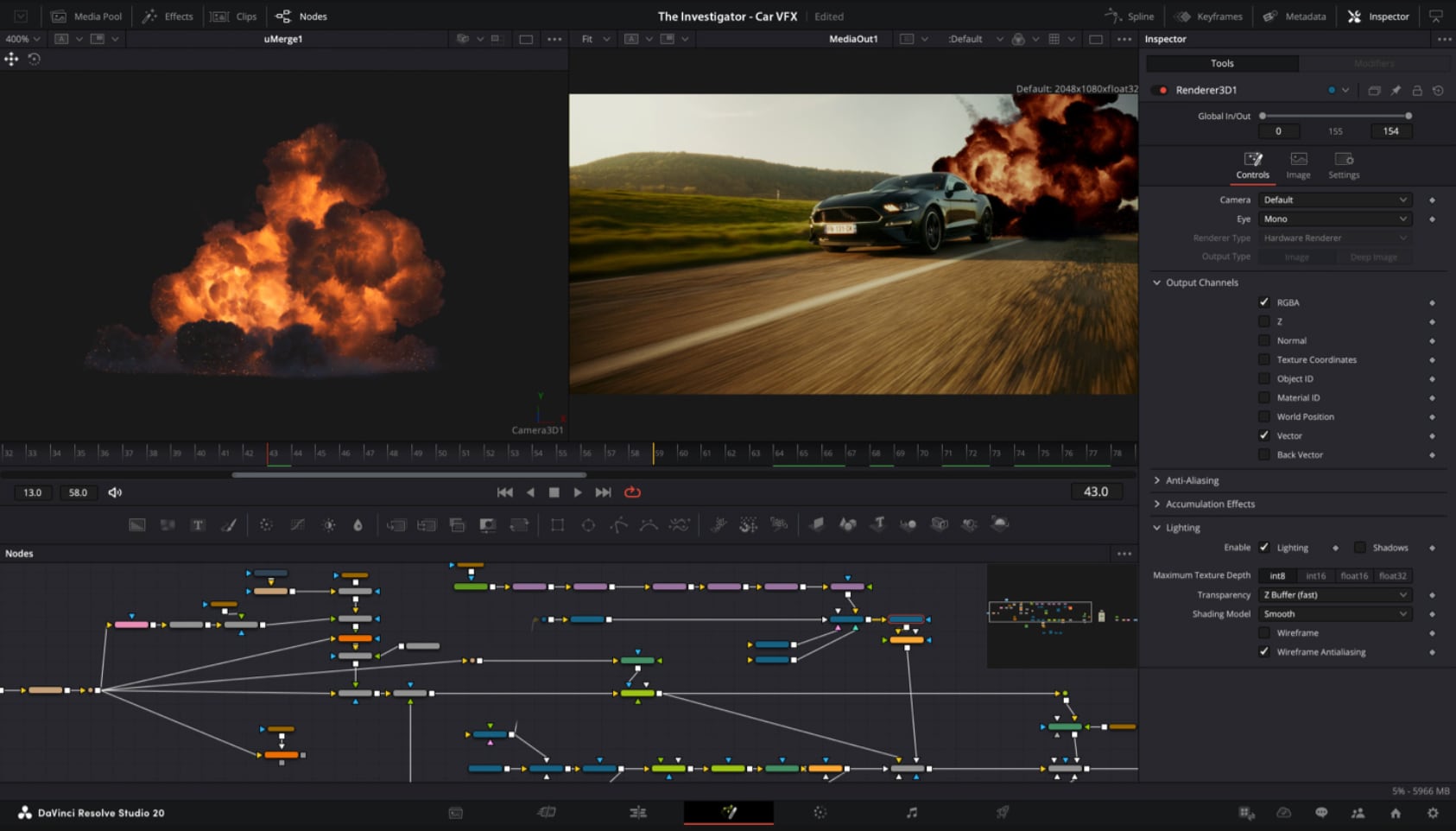
Photo: Hollywood Grading Tools for Still Photography
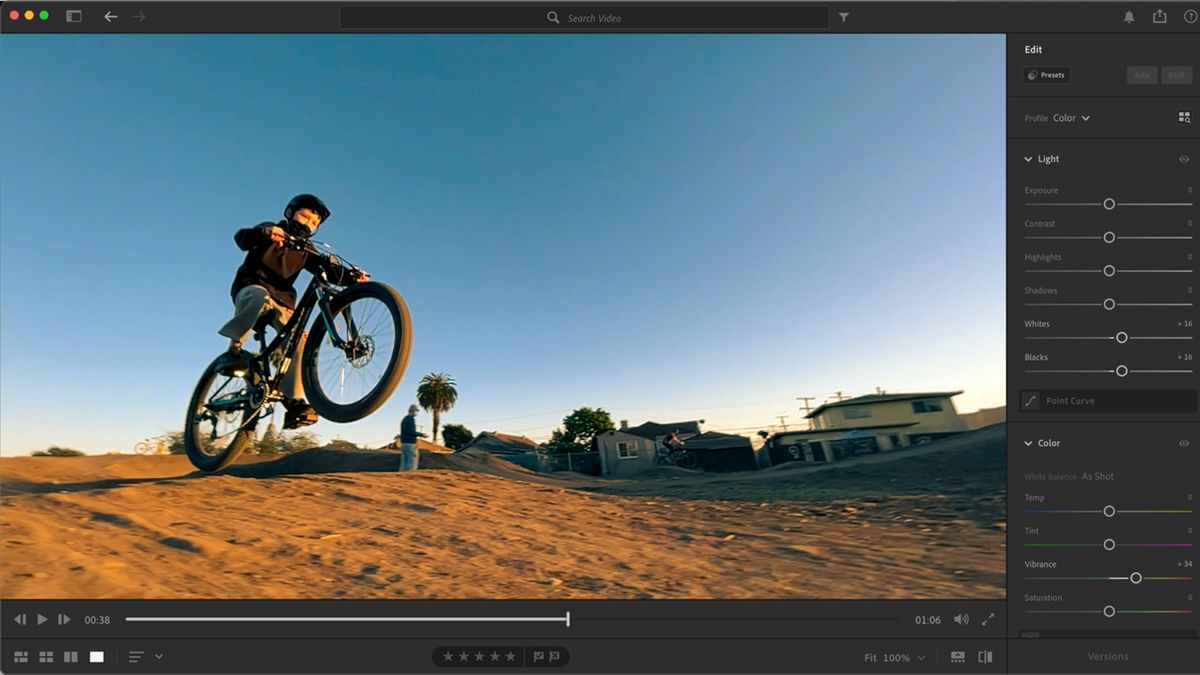
DaVinci Resolve's powerful post-production workflow now fully integrates photo image editing. The new Photo page lets you import and manage photographs, integrating seamlessly with the color page for node-based grading. This means colorists and photographers can now use the legendary Hollywood color grading tools on still images, bringing a new level of artistry to photography. These DaVinci Resolve AI tools now extend beyond video to revolutionize photo editing.
Support for DaVinci Color Tools
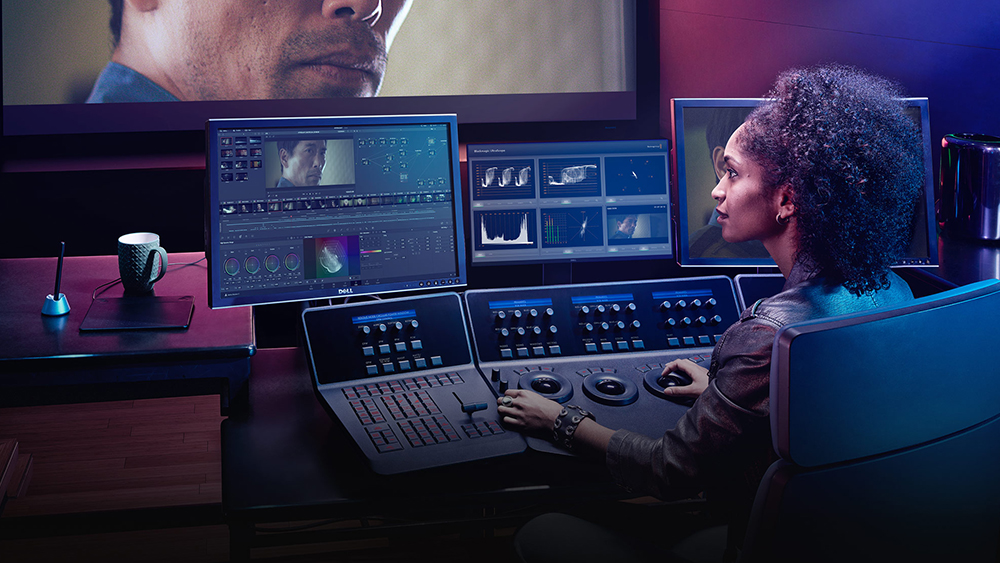
Easily use the legendary DaVinci color page tools for still images. You can use primary color correction, curves, qualifiers, power windows, and the node editor to adjust color in artistic ways across your entire project. Furthermore, with support for a DaVinci color panel, you can adjust multiple parameters at once for an intuitive and tactile grading experience. This makes DaVinci Resolve AI tools equally powerful for photographers and colorists.
Frequently Asked Questions
What are DaVinci Resolve AI tools?
DaVinci Resolve AI tools are a collection of artificial intelligence-powered features within DaVinci Resolve that automate and enhance various aspects of video and photo editing. These include AI IntelliSearch for content discovery, AI Speech Generator for voiceover creation, AI CineFocus for depth-of-field control, and many more face manipulation and image enhancement tools.
Can DaVinci Resolve AI tools edit photos?
Yes! DaVinci Resolve now fully integrates photo image editing with the new Photo page. You can use the legendary DaVinci color page tools on still images, including primary color correction, curves, qualifiers, power windows, and the node editor. This makes DaVinci Resolve AI tools a comprehensive solution for both video and photography workflows.
How do I use the AI Speech Generator in DaVinci Resolve?
To use the AI Speech Generator, navigate to the Fairlight page or the dedicated speech generation interface. Enter your written text, select a Blackmagic voice model or upload a 10-second voice sample, and the DaVinci AI Neural Engine will generate speech. You can then adjust speed, pitch, and inflection to fine-tune the performance.
Is AI Face Age Transformer available for moving subjects?
Yes, the DaVinci Resolve AI tools for face manipulation, including the AI Face Age Transformer, AI Face Reshaper, and AI Blemish Removal, all work on moving subjects. The AI detects and tracks faces throughout the clip, allowing for consistent and natural-looking adjustments across the entire shot.
What is AI CineFocus and how does it work?
AI CineFocus is a DaVinci Resolve AI tool that lets you adjust the focus and depth of field in a shot. You simply click on a specific area of a scene to define the focal point, then adjust aperture and focal range. Advanced controls let you shape the aperture and add bokeh effects, and you can keyframe parameters to rack focus dynamically.
Suggested Internal Links
- [Our Video Production Services]( /services )
- [View Our Work / Portfolio]( /work )
- [Read Our Blog for More Tips]( /blog )
- [Contact Our Team Today]( /contact )
- [About DaVinci Resolve Experts]( /about )
Ready to Transform Your Editing Workflow?
The DaVinci Resolve AI tools covered in this guide represent the cutting edge of post-production technology. Whether you're a seasoned colorist, a video editor, or a photographer, these AI-powered features can save you time, enhance your creativity, and deliver professional-grade results. Start exploring DaVinci Resolve AI tools today and take your projects to the next level.