DaVinci Resolve: The Complete Video Editor's Guide

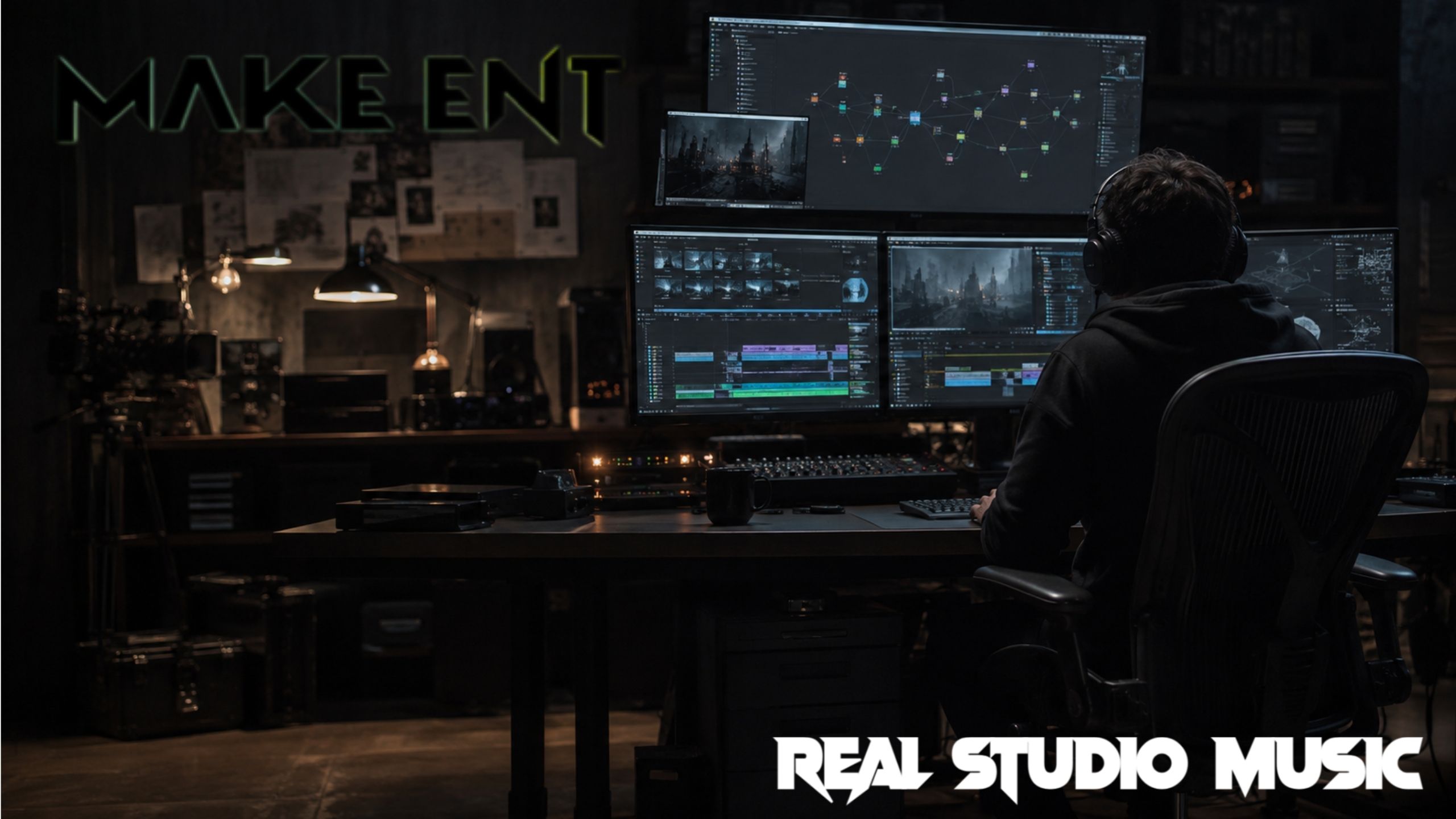
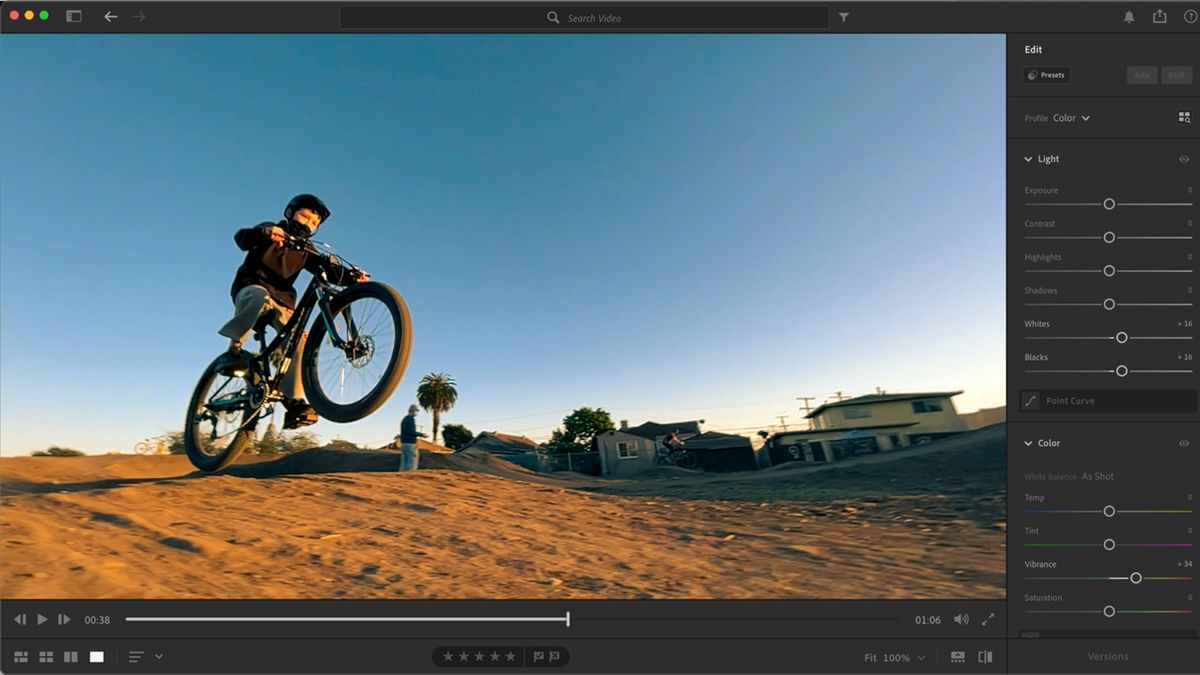
Professional color grading suite in DaVinci Resolve
DaVinci Resolve has fundamentally transformed the post-production landscape by offering Hollywood-grade tools in a single, accessible application. From YouTube creators to major Hollywood studios, Resolve has become the industry standard for video editing, color grading, and audio post-production. This comprehensive guide covers everything you need to know about mastering this powerful platform.
MAKE ENT STUDIO Integration
At MAKE ENT STUDIO, we integrate DaVinci Resolve into our professional video production workflow to deliver stunning results for our clients. Explore our video production services.
What Makes DaVinci Resolve Special?
Resolve is unique because it combines eight essential post-production tools into one seamless workflow:
| Tool | Function | Industry Use |
|---|---|---|
| Editing | Professional timeline editing with precision tools | Film, TV, Web Content |
| Color Correction | Industry-leading color grading suite | Hollywood Features, Commercials |
| Visual Effects (Fusion) | Node-based compositing and VFX | Motion Graphics, VFX Shots |
| Audio Post-Production (Fairlight) | Professional audio editing and mixing | Film Soundtracks, Podcasts |
| Media Management | Powerful media organization and binning | All Production Workflows |
| Multi-User Collaboration | Real-time team collaboration | Studio Environments |
| AI-Powered Tools | DaVinci Neural Engine for smart workflows | Automated Tasks, Enhancement |
Pro Tip:
The best part? The free version offers more features than many paid alternatives, making professional post-production accessible to everyone. This democratization of professional tools has revolutionized the post-production industry.
The Free vs. Studio Version
Editor's Note: Start with the free version. Many professional editors use the free version exclusively for years before upgrading. The Studio version is worth the investment when you need advanced features like noise reduction for professional color grading work.
Getting Started with DaVinci Resolve
Hardware Requirements
Minimum System
- Windows 10 / macOS 10.15 / Linux
- 16GB RAM (32GB recommended)
- 2GB VRAM (4GB+ recommended)
- SSD storage for media
- Dedicated GPU
Optimal System
- 32GB+ RAM
- 6GB+ VRAM (RTX 3060 or higher)
- Fast NVMe SSD
- 4K+ display for color grading
- Calibrated monitor for accuracy
- Dual monitor setup for efficiency
| Component | Minimum | Recommended |
|---|---|---|
| CPU | Intel i7 / AMD Ryzen 7 | Intel i9 / AMD Ryzen 9 |
| GPU | 4GB VRAM | 8GB+ VRAM |
| RAM | 16GB | 32GB-64GB |
| Storage | SSD | NVMe SSD + RAID |
| Monitor | 1080p | 4K+ Calibrated |
Project Setup

When starting a new project:
- Set your frame rate: 23.976, 25, 30, 60 fps
- Choose your resolution: HD, 4K, 6K, 8K
- Select your timeline settings: Custom or preset
- Configure color space and gamma: Rec.709, Rec.2020, DCI-P3
- Set working directory: Organize cache and render files
- Enable collaboration: For team projects
The Core Pages
DaVinci Resolve organizes its workflow into dedicated pages, each optimized for specific tasks.
| Page | Function | Best For | Key Tools |
|---|---|---|---|
| Media | Import and organize footage | Asset Management | Bins, Metadata, Clone Tool |
| Cut | Fast, streamlined editing | Quick projects, Social Media | Source Tape, Smart Edit |
| Edit | Full-featured timeline editing | Cinematic Editing | Timeline, Effects, Transitions |
| Fusion | Node-based VFX compositing | Motion Graphics, VFX | Nodes, Keyers, Trackers |
| Color | Professional color grading | Color Correction, Grading | Wheels, Curves, Power Windows |
| Fairlight | Audio post-production | Sound Design, Mixing | EQ, Dynamics, Effects Rack |
| Deliver | Flexible export options | Rendering, Publishing | Presets, Custom Settings |
Media Page
Import and organize your footage, create bins, manage metadata, and prepare your media assets efficiently. The Clone tool allows for secure backup of camera cards.
Cut Page
Fast, streamlined editing for quick projects and social media content. Perfect for content creators who need speed and efficiency. Features include Source Tape mode and Smart Edit for automatic J-cuts.
Edit Page
Full-featured timeline editing with all professional tools for cinematic editing. Includes advanced trimming tools, multi-cam editing, and comprehensive effects library. Explore our cinematic editing techniques for professional results.
Fusion Page
Node-based visual effects and motion graphics compositing for creating stunning motion graphics. After Effects for motion graphics can complement Fusion's capabilities, but Fusion offers seamless integration within Resolve.
Color Page
Professional color grading with unlimited nodes and HDR support. This is where Resolve truly excels, offering tools that have made it the industry standard for colorists. Learn about our color grading services that leverage Resolve's powerful tools.
Fairlight Page
Complete audio post-production with mixing and mastering tools for professional sound design. Includes ADR recording, audio restoration, and surround sound capabilities.
Deliver Page
Flexible export options for any platform or format. Features include render presets, custom naming conventions, and batch rendering.
Color Grading Mastery

Color grading is where DaVinci Resolve truly shines. The software's color science is widely regarded as the best in the industry, with tools that give colorists unprecedented control over the final image. Whether you're correcting log footage or creating a cinematic look, Resolve provides the precision and flexibility needed for professional results.
Primary vs. Secondary Grading
| Primary Grading | Secondary Grading |
|---|---|
| Global color adjustments | Isolated color adjustments |
| Lift, Gamma, Gain controls | Power windows and masks |
| Color temperature and tint | Qualifier tools for specific colors |
| Contrast and saturation | Tracking and keyframing |
| Log to Rec.709 conversion | Selective color correction |
Essential Color Tools
- Color Wheels: Lift, Gamma, Gain adjustments
- Log Wheels: Fine-tuned color control
- Curves: Custom color adjustments
- HDR Palette: Advanced HDR grading
- Color Warper: Hue and saturation mapping
- Qualifier: Color isolation and selection
- Power Windows: Masked adjustments
- Tracker: Automated tracking for masks
Color Grading Workflow
- Technical Grade: Correct exposure and white balance
- Creative Grade: Apply stylized look and mood
- Secondary Corrections: Isolate and enhance specific elements
- Tracking: Animate masks and adjustments
- Final Polish: Apply grain, sharpening, and output transforms
Industry Insight: Professional colorists spend 40-60% of their time on primary grading and balance, with secondary grading reserved for hero shots and specific corrections. Contact our color grading team for professional assistance.
Fusion Visual Effects
Node-Based Workflow
Fusion uses a node-based system where each node performs a specific task. This non-linear workflow provides incredible flexibility and control.
| Node Type | Function | Common Usage |
|---|---|---|
| Loader | Import media | Video files, images, sequences |
| Transform | Position, scale, rotate | Repositioning elements |
| Merge | Combine layers | Compositing multiple elements |
| Color Corrector | Adjust colors | Color matching, grading |
| Keyer | Green screen removal | Chroma key compositing |
| Tracker | Motion tracking | Follow objects, stabilize |
| Saver | Export results | Render final composite |
Common VFX Workflows
- Green screen removal and compositing: Using Keyer nodes with spill suppression
- Motion tracking and object replacement: With Tracker and Corner Pin nodes
- Particle effects and simulations: Built-in particle system for organic effects
- Text and title animation: Text+ nodes with keyframe animation
- Rotoscoping and masks: Polyline and B-Spline masking tools
- 3D compositing: Full 3D workspace with cameras and lights
- Visual effects integration: Combine multiple effects in complex node trees
Fairlight Audio Post-Production
Audio Tools
| Tool | Function | Professional Use |
|---|---|---|
| ADR Recording | Automated dialogue replacement | Fix location audio issues |
| Audio Restoration | Noise reduction and repair | Clean dialogue, remove hum |
| EQ and Dynamics | Professional audio processing | Balance frequencies, control dynamics |
| Surround Sound | Up to 13.1 mixing | Immersive audio experiences |
| Effects Rack | Reverb, delay, and more | Creative sound design |
| Audio Plugins | VST and AU support | Third-party processing |
Audio Workflow
- Import audio files: From recordings, music libraries, or sound effects
- Clean and repair dialogue: Remove noise, clicks, and pops
- Add music and sound effects: Layer audio elements
- Mix and balance levels: Set proper gain structure
- Master final audio: Apply final processing and loudness normalization
- Export with video: Render complete audio-visual file
Export and Delivery
Common Export Settings
| Platform | Codec | Resolution | Bitrate | Audio |
|---|---|---|---|---|
| YouTube/Vimeo | H.264 or H.265 | 1080p or 4K | 25-50 Mbps | AAC at 320kbps |
| Broadcast | ProRes or DNxHR | 2K or 4K | Variable | Broadcast-level |
| Social Media | H.264 | 1080p | 10-20 Mbps | AAC at 192kbps |
| Professional Delivery | ProRes 422 HQ | 4K DCI | N/A | 24-bit WAV |
| DCP (Cinema) | JPEG 2000 | 2K/4K | 250 Mbps | 24-bit PCM |
Render Presets by Platform
YouTube
H.2641920x1080
30-45 Mbps
AAC 320kbps
Vimeo
H.2653840x2160
50-80 Mbps
AAC 320kbps
1080x1080
10-15 Mbps
AAC 192kbps
Recommended Learning Resources
Official Training
- DaVinci Resolve Training - Free official courses from Blackmagic Design
- Blackmagic Design Manuals - Comprehensive documentation (PDF)
- Certification Program - Professional accreditation
YouTube Channels
| Channel | Focus Area | Level |
|---|---|---|
| Blackmagic Design Official | Tutorials and updates | All levels |
| Color Grading Central | Color grading tutorials | Intermediate-Advanced |
| Ripple Training | In-depth Resolve courses | All levels |
| Waqas Qazi | Color grading techniques | Advanced |
| Casey Faris | Beginner-friendly tutorials | Beginner-Intermediate |
Online Courses
- FX Academy - Professional training
- Mixing Light - Advanced color grading
- School of Motion - Motion graphics integration
- Udemy - Comprehensive Resolve courses at various price points
Frequently Asked Questions
Yes, the free version includes full editing, color grading, and audio tools without watermarks or time limits. The Studio version adds advanced features like noise reduction, optical flow, and HDR grading for professional post-production work. Many professional editors use the free version successfully.
Resolve can seem overwhelming at first, but starting with the Cut page and Edit page makes it accessible. Many users become comfortable with basic editing within a few days of consistent practice. The Color and Fusion pages require more dedicated study, but official training materials make the learning process manageable.
Absolutely. Hollywood films like "The Martian," "La La Land," and "Avengers: Endgame" were graded in Resolve. Netflix productions, major TV shows, and high-end commercials regularly use Resolve. It's the industry standard for color grading and increasingly popular for editing and finishing.
Resolve runs on modest hardware for basic editing with HD footage. However, professional-grade work with 4K+ footage, complex grades, and heavy effects benefits from a powerful GPU (6GB+ VRAM) and fast storage. For video production workflows, a dedicated GPU is recommended, and 32GB+ RAM makes a significant difference in performance.
It depends on your workflow and needs. Resolve excels in color grading and offers a complete post-production suite with superior color science. Premiere Pro has broader third-party integration and a larger plugin ecosystem. Many professionals use both tools in their post-production workflow, with Resolve handling color and finishing while Premiere handles editing and effects integration. After Effects for motion graphics is often used alongside Resolve for complex visual effects.
Yes! Fairlight provides comprehensive audio post-production tools perfect for podcast production. You can record, edit, mix, and master podcasts entirely within Resolve. The ADR tools and audio restoration features make it ideal for podcast post-production.
The Cut page is designed for speed and efficiency, ideal for quick projects, social media content, and rough cuts. It features a streamlined interface with tools like Source Tape and Smart Edit. The Edit page is a full-featured professional timeline editor with advanced trimming, multi-cam editing, and comprehensive effects, better suited for complex projects and cinematic editing.
Yes! The Studio version includes multi-user collaboration tools that allow multiple editors, colorists, and sound designers to work on the same project simultaneously in real-time. This feature is invaluable for studio environments and professional post-production workflows. Learn about our post-production services that leverage collaborative workflows.
Final Thoughts

DaVinci Resolve represents the democratization of professional video post-production. With its powerful tools, continuous updates, and generous free version, it's an essential tool for video editors at any level.
Whether you're a content creator, independent filmmaker, or professional editor, Resolve offers the capabilities to bring your creative vision to life. Combined with other tools like After Effects for motion graphics and dedicated sound design tools, Resolve becomes the centerpiece of a complete post-production workflow.
At MAKE ENT STUDIO, we integrate DaVinci Resolve with our professional color grading and post-production services to deliver professional-grade results for our clients. Our team of certified Resolve operators brings Hollywood-level quality to every project.
Start learning Resolve today, and transform your video production quality. For professional editing and color grading services, get in touch with the MAKE ENT STUDIO team. We'll help you achieve the professional look your content deserves.
Related Resources
- Video Editing Basics for Beginners
- Professional Color Grading Services
- Optimizing Your Post-Production Workflow
- Audio Post-Production for Video
- Cinematic Editing Techniques
- Our Full Service List
- About MAKE ENT STUDIO
- Our Portfolio / Work
- More Blog Articles
Last updated: July 2026 | MAKE ENT STUDIO Post-Production Guide