DaVinci Resolve vs. Adobe Premiere Pro in 2026: Which Editing Software Should Professional Editors Choose?
Introduction: The Great NLE Debate
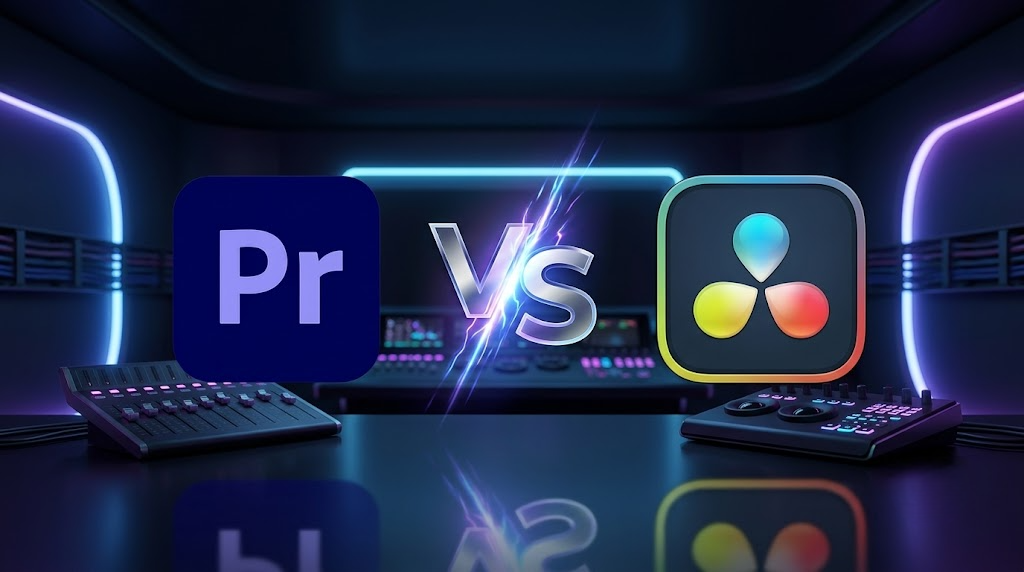
The video editing landscape in 2026 is defined by speed, artificial intelligence, and seamless integration. Two applications dominate the professional arena: Blackmagic Design's DaVinci Resolve and Adobe Premiere Pro. Both deliver Hollywood-caliber results, yet they embody fundamentally different philosophies that appeal to distinct types of creators and studios.
Premiere Pro is the ecosystem player deeply integrated with After Effects, Photoshop, Illustrator, and Frame.io. It thrives in agency environments where designers, animators, and editors work side by side. Conversely, DaVinci Resolve is the all-in-one powerhouse combining editing, color grading, VFX, and audio in a single application with a one-time purchase option that appeals to independent filmmakers and boutique post-production houses.
Choosing between them isn't about which is objectively "better." It's about which aligns with your specific workflow, your team's existing skill sets, your budget constraints, and the type of content you produce. Whether you're cutting commercials, documentaries, feature films, or social media content, this guide breaks down every critical category to help you make an informed decision.
"The best software is the one that disappears while you're telling your story. Everything else is just noise."
Quick Recommendation Guide
| If you are... | Choose |
|---|---|
| Filmmaker / Documentary Editor | DaVinci Resolve |
| YouTuber / Content Creator | Either (Resolve for value, Premiere for plugins) |
| Motion Graphics Designer | Premiere Pro + After Effects |
| Professional Colorist | DaVinci Resolve |
| Agency / Marketing Editor | Premiere Pro |
| Beginner on a Budget | DaVinci Resolve (Free) |
| Audio Post-Production Specialist | DaVinci Resolve (Fairlight) |
| VFX Artist | DaVinci Resolve (Fusion) |
1. User Interface and Workflow Philosophy
Adobe Premiere Pro: Familiar and Flexible
Premiere Pro offers a highly customizable, panel-based layout that feels intuitive to editors transitioning from legacy NLEs like Final Cut Pro 7 or older versions of Premiere itself. Its Essential Graphics panel for motion graphics templates, robust Project Panel for media organization, and drag-and-drop effects application make it approachable for newcomers while remaining powerful for veterans.
The timeline is traditional layers of video and audio tracks stacked vertically, allowing rapid assembly and fine-tuning. Editors who value flexibility and the ability to customize every aspect of their workspace will appreciate Premiere Pro's extensive preferences and keyboard shortcut mapping.

DaVinci Resolve: Structured and Specialized
Resolve employs a unique "Pages" system: Media, Cut, Edit, Fusion, Color, Fairlight, and Deliver. Each page represents a dedicated workspace for a specific stage of post-production. This architectural choice reduces visual clutter and encourages a logical, stage-based workflow.
The learning curve is admittedly steeper than Premiere Pro's. Editors accustomed to a single unified workspace may initially find the page-switching jarring. However, the payoff is substantial a cleaner, more focused editing environment where you only see the tools relevant to your current task. For complex projects with multiple departments, this structure is a significant advantage.
| Aspect | Adobe Premiere Pro | DaVinci Resolve |
|---|---|---|
| Workspace Model | Panel-based, highly customizable | Page-based, stage-focused |
| Learning Curve | Gentle | Steeper |
| Timeline | Traditional stacked tracks | Traditional with advanced features |
| Customization | Extensive preferences | Focused per-page tools |
Winner: Tie – Premiere Pro wins on familiarity and customization; Resolve wins on organizational clarity and focus.
2. Performance and Codec Handling
Performance is non-negotiable when editing 4K, 6K, or 8K RAW footage. Slow renders and choppy playback kill creativity and miss deadlines.
DaVinci Resolve is engineered for GPU acceleration. It leverages CUDA (NVIDIA), Metal (Apple Silicon), and OpenCL aggressively, resulting in smoother playback and faster renders, especially with Blackmagic RAW, REDCODE, and ProRes. Editors working with high-resolution cinema cameras often report that Resolve handles native RAW files without requiring proxies—a significant time-saver.
Adobe Premiere Pro has improved dramatically with its Mercury Playback Engine, but remains more CPU-dependent than its competitor. Editors often rely on proxy workflows for high-resolution projects, especially when applying complex effects stacks or using multiple video tracks. That said, Premiere Pro's performance on modern Intel and AMD processors is entirely acceptable for most professional workflows.
Note on Performance Testing: Export times vary significantly based on hardware configuration, codec selection, effects applied, and project complexity. The following illustration represents typical results from an RTX 4090, Intel i9-13900K, 64GB RAM system with a 5-minute 4K sequence using similar export settings. Your results may differ.
Illustrative 4K Export Time (5-Minute Sequence)
Test Hardware: RTX 4090, Intel i9-13900K, 64GB RAM (Illustrative results)
Winner: DaVinci Resolve – Superior GPU optimization delivers tangible speed advantages for high-resolution workflows.
3. Color Grading: The Defining Differentiator
This is where DaVinci Resolve has historically dominated, and the gap remains substantial in 2026.
DaVinci Resolve: The Gold Standard
Resolve is the industry standard for color grading, used on blockbuster films, prestige television, and high-end commercials worldwide. Its node-based architecture allows for surgical, non-destructive grading that is both powerful and flexible. Key features include:
- Advanced HDR workflows (Dolby Vision, HDR10+, HLG)
- AI-powered Magic Mask for isolating people, objects, or specific body parts
- Professional scopes (RGB Parade, Vectorscope, Histogram, CIE Chromaticity)
- Comprehensive color management (ACES, DaVinci Color Managed)
- Remote grading capabilities for distributed teams
Adobe Premiere Pro: Lumetri Color
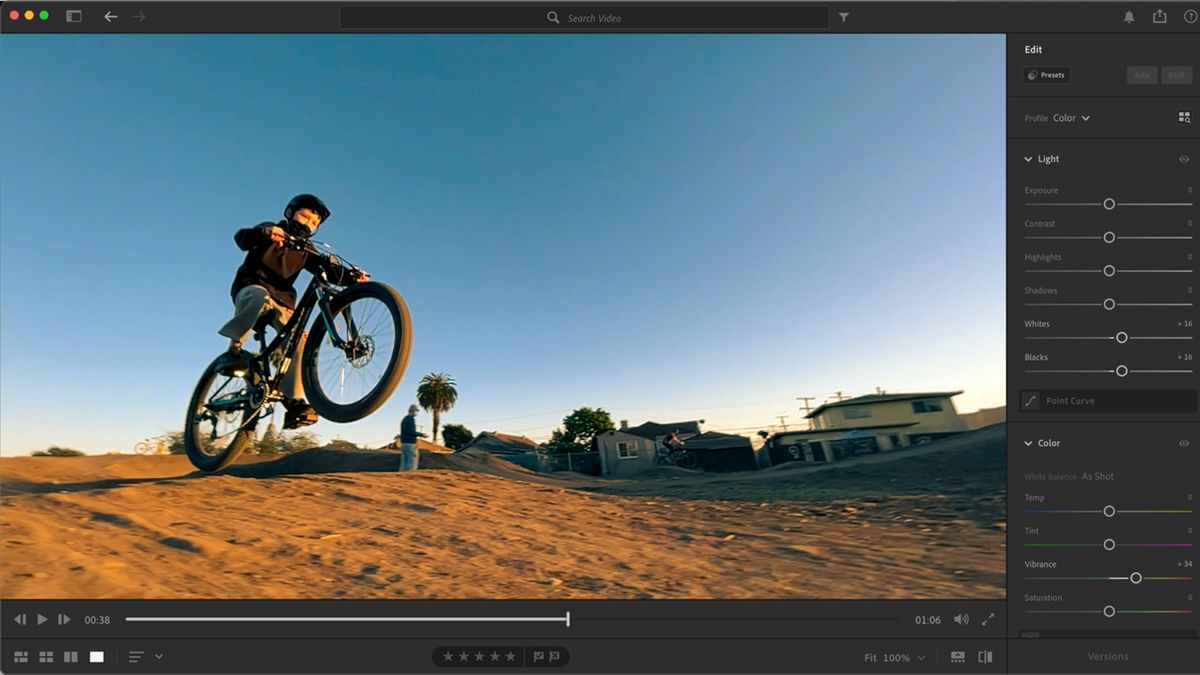
Premiere Pro's Lumetri Color panel is capable and intuitive for quick corrections and creative looks. It offers three-way color wheels, RGB curves, LUT support, and HSL secondary correction. However, its layer-based approach is less elegant for complex grades, and its color science while improved lacks the mathematical depth of Resolve's engine.
| Color Grading Feature | DaVinci Resolve | Adobe Premiere Pro |
|---|---|---|
| Workflow Architecture | Node-based | Layer-based |
| HDR Support | Full (Dolby Vision, HDR10+) | Basic |
| Professional Scopes | 8+ professional scopes | 3 basic scopes |
| Color Management | ACES, DCM | Basic color management |
| AI Tools | Magic Mask, Depth Map | Content-Aware Fill |
| Industry Adoption | Hollywood standard | Broadcast standard |
Resolve
Premiere Pro
Winner: DaVinci Resolve – Unmatched color science and professional-grade tools make this the clear choice for color-critical projects.
4. Motion Graphics and VFX
Adobe Premiere Pro + After Effects
This is Adobe's superpower. Dynamic Link allows seamless round-tripping between Premiere Pro and After Effects. Motion Graphics Templates (MOGRTs) enable editors to use complex animations without opening After Effects. For motion graphics-heavy workflows advertising, promos, corporate videos this ecosystem remains the industry standard.
DaVinci Resolve + Fusion
Fusion is a node-based compositing environment integrated directly into Resolve. It excels at VFX compositing, 3D work, keying, rotoscoping, and particle systems. The integration means you never leave the application. However, the node-based workflow has a steeper learning curve, and the motion graphics template ecosystem is smaller than Adobe's.
| Capability | Premiere Pro + After Effects | DaVinci Resolve + Fusion |
|---|---|---|
| Motion Graphics | Excellent (Industry Standard) | Good (Growing) |
| VFX Compositing | Very Good | Excellent |
| Learning Curve | Moderate | Steep |
| Integration | External (Dynamic Link) | Internal (Built-in) |
| Template Ecosystem | Extensive (MOGRTs) | Limited |
| 3D Compositing | Basic | Advanced |
| Particle Systems | Basic | Advanced |
Winner: Depends on Workflow – Choose Premiere Pro for motion graphics and advertising; choose Resolve for VFX-heavy narrative work.
5. Audio Post-Production
Audio is often overlooked until the final mix, yet it carries half the emotional weight of any project.
DaVinci Resolve includes Fairlight—a professional DAW (Digital Audio Workstation) with advanced mixing, ADR tools, audio restoration, and AI-powered voice isolation. It eliminates the need for external audio software and keeps the entire post-production pipeline within a single application.
Adobe Premiere Pro offers the Essential Sound panel for quick fixes and audio type categorization. However, serious audio work noise reduction, complex mixing, mastering requires round-tripping to Adobe Audition, which breaks the workflow and adds time.
"Fairlight inside Resolve saved my documentary. I mixed a 5.1 surround track without ever leaving the timeline." Independent Filmmaker
| Audio Feature | DaVinci Resolve (Fairlight) | Adobe Premiere Pro |
|---|---|---|
| DAW Integration | Built-in professional DAW | External (Audition) |
| Audio Restoration | Advanced | Basic |
| ADR Tools | Professional | Limited |
| Surround Sound | Up to 9.1.6 | Up to 5.1 |
| AI Voice Isolation | Excellent | Good |
| Round-Trip Workflow | None Needed | Required for advanced work |
Winner: DaVinci Resolve – The integrated Fairlight DAW is a significant advantage for editors handling their own sound.
6. AI-Powered Features in 2026
Artificial intelligence is transforming editing speed and capability. Both platforms have invested heavily.
| AI Feature | Adobe Premiere Pro | DaVinci Resolve |
|---|---|---|
| Text-Based Editing | Generative Transcript | Auto Subtitles |
| Audio Cleanup | Enhance Speech | Voice Isolation |
| Object Selection | Content-Aware Fill | Magic Mask |
| Auto Reframing | Auto Reframe | Smart Reframing |
| Scene Detection | Scene Edit Detection | Scene Cut Detection |
| Speech-to-Text | Advanced | Basic |
| Face Detection | Yes | Yes |
| Background Removal | Basic | Advanced (Depth Map) |
Both platforms excel, but they shine in different verticals. Premiere Pro leads in generative AI and text-based editing; Resolve leads in object isolation and audio separation.
Winner: Tie – Both are excellent, with different strengths.
7. Collaboration and Team Workflows
Adobe Premiere Pro
- Creative Cloud Libraries for asset sharing across applications
- Frame.io integration for client reviews and approvals
- Team Projects for multi-editor collaboration
DaVinci Resolve
- Resolve Project Server for database-driven collaboration
- Bin locking and timeline-level locking
- Blackmagic Cloud for real-time remote teamwork
| Collaboration Feature | Adobe Premiere Pro | DaVinci Resolve |
|---|---|---|
| Asset Sharing | Creative Cloud Libraries | Project Server |
| Client Reviews | Frame.io Integration | Blackmagic Cloud |
| Multi-Editor | Team Projects | Project Server |
| Locking | Timeline-level | Bin and Timeline-level |
| Remote Workflow | Frame.io | Blackmagic Cloud |
| Database Management | Limited | Advanced |
Winner: Tie * ???* – Adobe excels in creative asset sharing; Resolve excels in database management for large post-production teams.
8. Pricing: Subscription vs. One-Time Purchase
This is perhaps the most decisive factor for independent editors and small studios.
Adobe Premiere Pro
- Subscription-only model
- Monthly or annual payments
- Best value within Adobe Creative Cloud ecosystem
- Includes ongoing updates and cloud storage
DaVinci Resolve
- Generous free version (includes 99% of editing and grading features)
- One-time purchase for DaVinci Resolve Studio (includes Fusion, Fairlight, and all future updates for that version)
- No recurring fees
$1,440
Premiere Pro
$29.99/month
$295
Resolve Studio
One-time payment
Free version available: DaVinci Resolve includes most professional editing and color grading features at no cost.
| Pricing Model | Adobe Premiere Pro | DaVinci Resolve |
|---|---|---|
| Model | Subscription | One-time + Free tier |
| Monthly Cost | $29.99 (annual) | $0 (free) |
| One-Time Cost | Not available | $295 (Studio) |
| Free Version | Limited trial | Full-featured |
| Updates | Included in subscription | Free for version |
| Cloud Storage | Included | Not included |
Winner: DaVinci Resolve – Unbeatable value proposition for individuals and small studios.
9. Pros and Cons Summary
DaVinci Resolve
Pros
- Industry-standard color grading
- Built-in Fusion for VFX compositing
- Built-in Fairlight for professional audio
- Generous free version available
- One-time purchase option (Studio version)
- Superior GPU performance
- Node-based workflow for advanced users
Cons
- Steeper learning curve
- Smaller motion graphics template ecosystem
- Less third-party plugin support
- Requires powerful hardware for optimal performance
Adobe Premiere Pro
Pros
- Gentle learning curve
- Excellent After Effects integration
- Extensive plugin ecosystem
- Widely used in agencies and broadcast
- Powerful text-based editing
- Frame.io integration
- Motion Graphics Templates ecosystem
Cons
- Subscription-only model
- Separate apps needed for advanced VFX and audio
- More CPU-dependent performance
- Higher long-term cost
10. Final Verdict: Which Should You Choose?
There is no universal champion. The choice depends entirely on your context.
Choose Adobe Premiere Pro if you:
- Already use Photoshop, Illustrator, and After Effects
- Work in advertising, marketing, or corporate video
- Rely heavily on motion graphics and animations
- Prefer the flexibility of a familiar timeline
- Need seamless Frame.io integration for client reviews
- Value a large ecosystem of third-party plugins
Choose DaVinci Resolve if you:
- Prioritize professional color grading
- Produce films, documentaries, or high-end narratives
- Want an all-in-one solution (editing, VFX, audio, grading)
- Prefer a one-time payment over ongoing subscriptions
- Work with RAW codecs and need optimal performance
- Handle your own audio post-production
- Value a free version with professional features
Comparison Summary Table
| Category | Adobe Premiere Pro | DaVinci Resolve | Winner |
|---|---|---|---|
| User Interface | Familiar, customizable | Structured, focused | Tie |
| Performance | Good (CPU-dependent) | Excellent (GPU-optimized) | Resolve |
| Color Grading | Good (Lumetri) | Industry Standard | Resolve |
| Motion Graphics | Excellent (AE integration) | Good (Fusion) | Premiere |
| Audio Post-Production | Basic (Audition required) | Professional (Fairlight) | Resolve |
| AI Features | Strong (Gen AI focus) | Strong (Isolation focus) | Tie |
| Collaboration | Ecosystem focus | Database focus | Tie |
| Pricing | Subscription ($29.99/mo) | Free or $295 one-time | Resolve |
| Learning Curve | Gentle | Steep | Premiere |
| VFX Compositing | Very Good | Excellent | Resolve |
Frequently Asked Questions
Is DaVinci Resolve better than Premiere Pro for color grading?
Yes. DaVinci Resolve is the industry standard for color grading, offering node-based workflows, superior color science, and professional HDR tools that surpass Premiere Pro's Lumetri Color panel.
Can I use DaVinci Resolve for free?
Yes. The free version of DaVinci Resolve includes approximately 99% of the editing and color grading features. The Studio version (one-time purchase) adds advanced features like noise reduction, 3D tools, and additional effects.
Does Premiere Pro work better with After Effects?
Yes. Premiere Pro and After Effects are designed to work together through Dynamic Link, allowing seamless integration for motion graphics and visual effects without intermediate rendering.
Which software is faster for 4K editing?
DaVinci Resolve generally offers better performance for 4K and higher resolution editing due to its superior GPU optimization, especially with RAW codecs like Blackmagic RAW and REDCODE.
Is Adobe Premiere Pro worth the subscription cost?
For professionals who rely on the entire Adobe Creative Cloud ecosystem, the subscription provides excellent value. For independent editors who only need an NLE, Resolve's one-time purchase is more cost-effective.
Which is better for beginners?
Premiere Pro has a gentler learning curve and more abundant tutorials. However, DaVinci Resolve's free version makes it accessible for beginners on a budget. Many editors recommend learning both.
Conclusion
In 2026, both DaVinci Resolve and Adobe Premiere Pro are exceptionally capable NLEs. Premiere Pro remains the reigning champion of the agency and broadcast world, buoyed by its unmatched ecosystem and industry-standard motion graphics integration. DaVinci Resolve, however, has evolved into the ultimate all-in-one post-production suite, offering extraordinary value and professional-grade tools that rival dedicated hardware solutions.
"Ultimately, the software is a brush. The artist is the hand that holds it. Choose the brush that feels right, then paint like your life depends on it."
Whichever path you choose, invest in mastering your craft. The software will change; storytelling is eternal.
Official Resources
- DaVinci Resolve Official Website
- Adobe Premiere Pro Official Website
- Blackmagic Design Support
- Adobe Creative Cloud
Related Resources
Explore more of our content and services:
- Services – Cinematic Editing Services – Professional video editing, color grading, and post-production solutions for filmmakers and content creators.
- Work / Portfolio – View Our Portfolio – See examples of our cinematic editing work across commercials, documentaries, and narrative films.
- Blog – More Blog Articles – Stay updated with the latest insights on editing techniques, software reviews, and industry trends.
- Contact – Get in Touch – Ready to start your next project? Reach out to our post-production team.
- About – About MAKE ENT STUDIO – Learn about our story, our team, and our passion for cinematic storytelling.
What's your experience? Are you Team Premiere or Team Resolve? Share your thoughts in the comments below.*
Disclaimer: Pricing and features are accurate as of 2026 and subject to change. Always verify with official sources before purchasing.*